
Trail Back: Hiking and Navigation App
Designing a comprehensive solution for outdoor enthusiasts to navigate trails safely.
Designing a comprehensive solution for outdoor enthusiasts to navigate trails safely.
UX Researcher, UI Designer, Interaction Designer
User Research, Wireframing, Visual Design, Usability Testing
6 Weeks — Research to High-Fidelity Prototype
Figma, FigJam, Illustrator, Photoshop
Hikers often face challenges with unreliable GPS signals, lack of offline maps, and difficulty accessing emergency services in remote areas. These issues can lead to dangerous situations and prevent people from fully enjoying outdoor experiences.
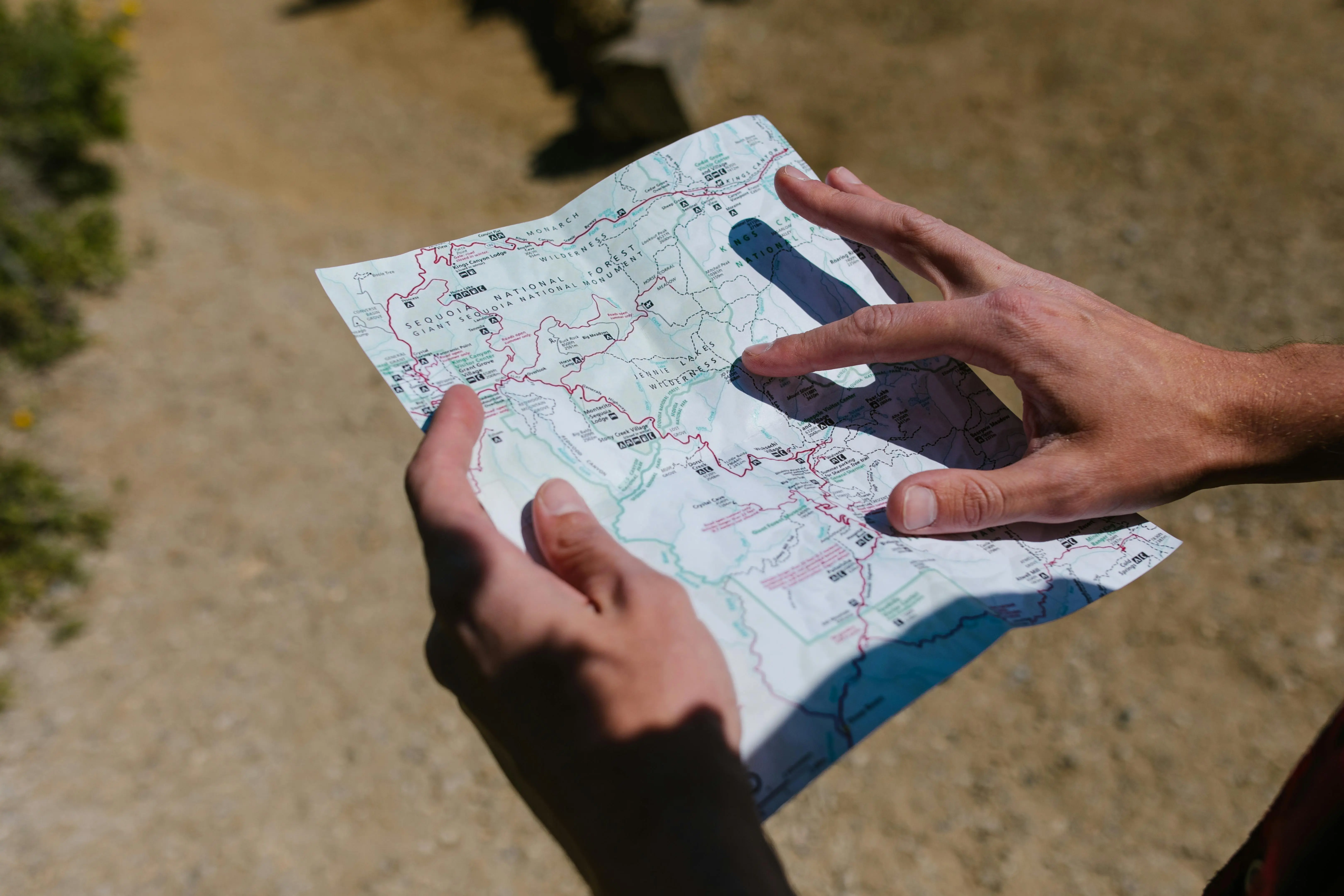
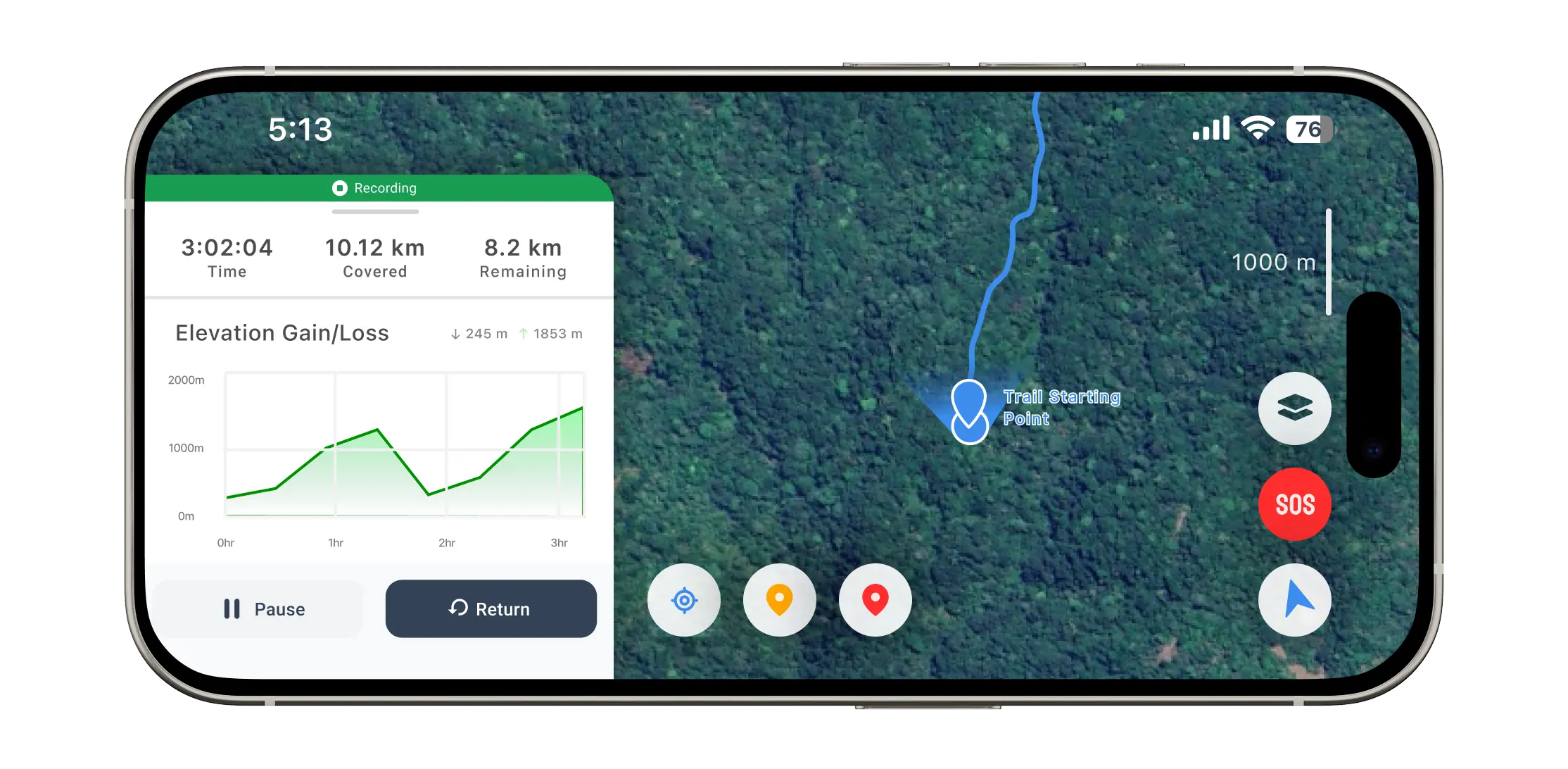
Record and retrace journeys offline using GPS on unmapped trails. Mark and share key locations to alert fellow hikers about potential dangers. Provide simple, reliable navigation tools with real-time route updates.
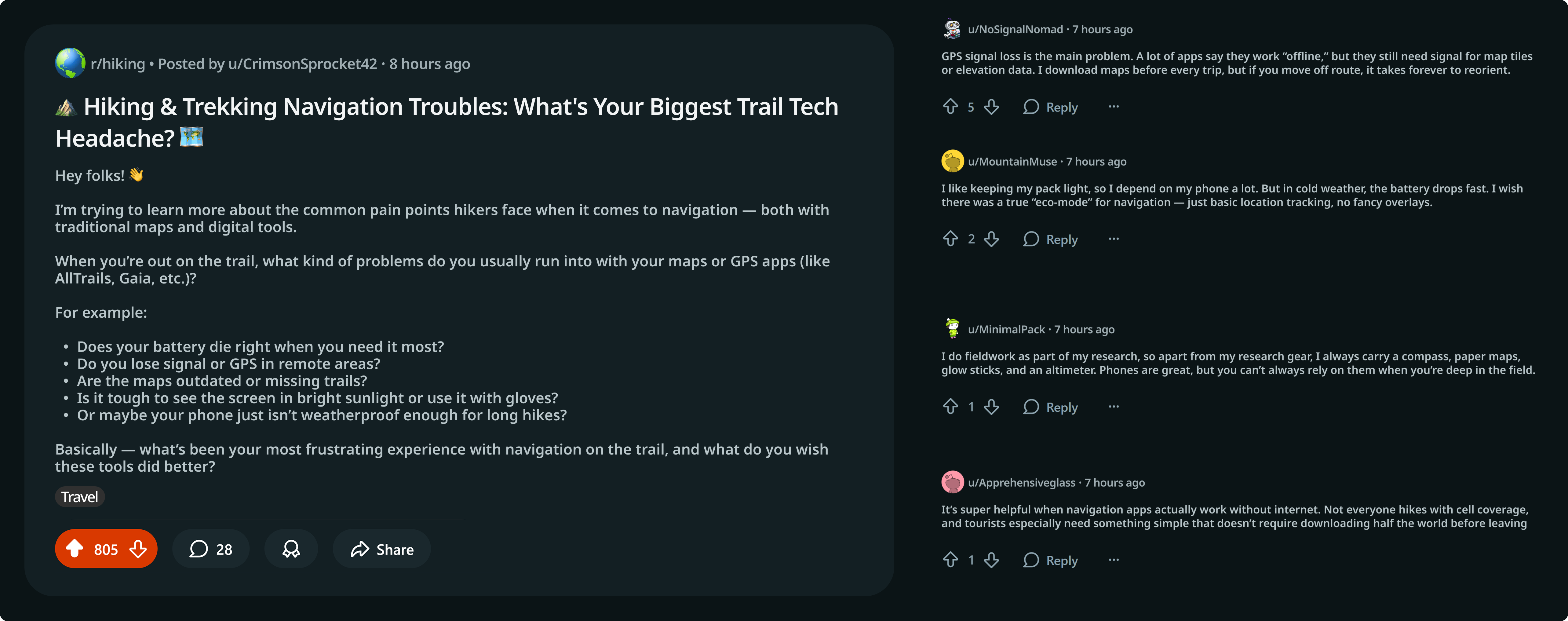
Gathered qualitative feedback from hiking communities and mapped pain points: offline reliability, UI complexity, and safety gaps. Conducted online interviews with 8 outdoor enthusiasts ranging from beginners to experienced hikers.
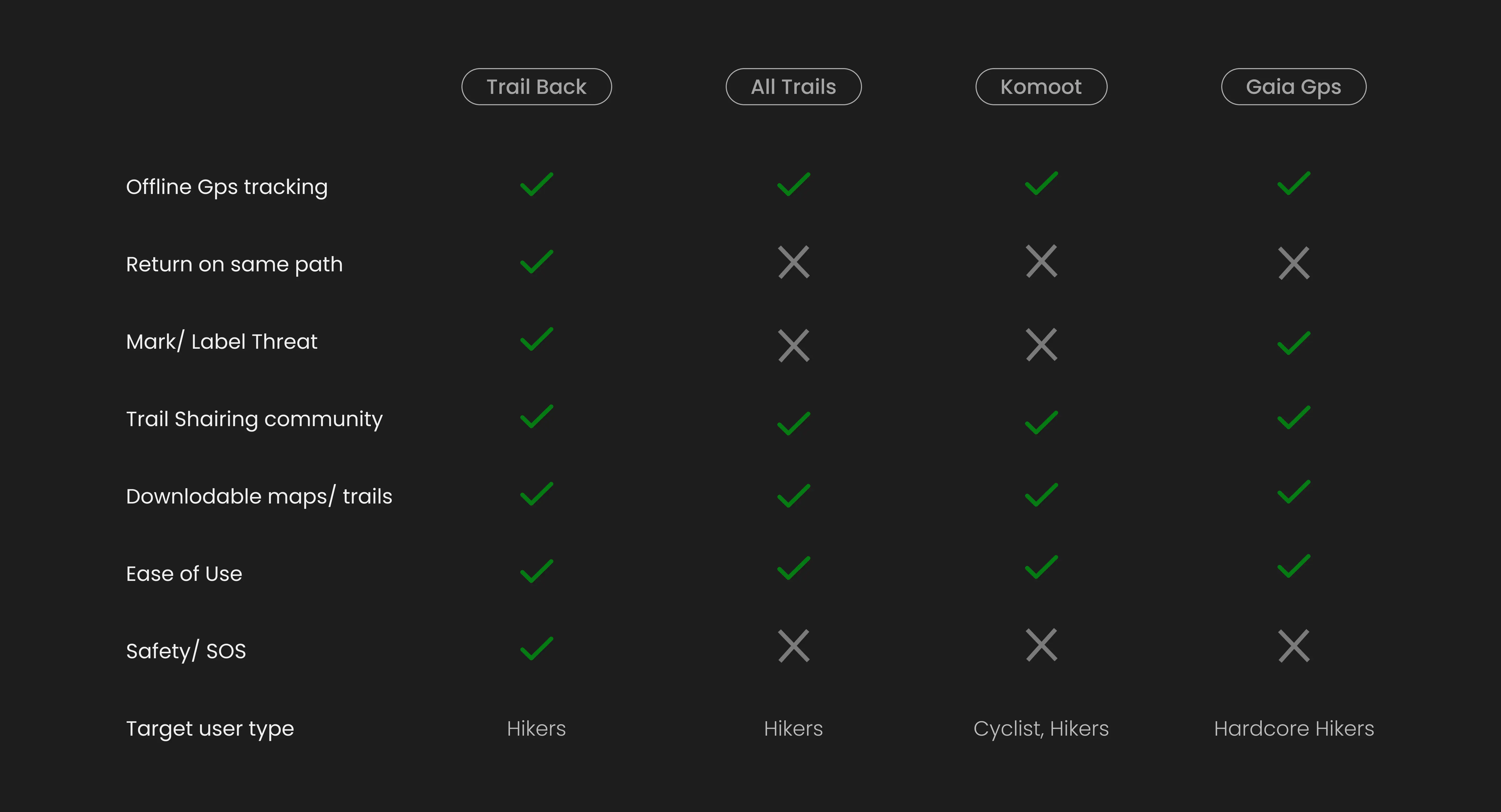
Analyzed existing hiking apps including AllTrails, Gaia GPS, and Komoot. Identified opportunities in offline functionality, emergency features, and user interface simplicity.
Our primary users are outdoor enthusiasts aged 25–45 who hike regularly and value safety. Secondary users include casual hikers and families seeking accessible trail information.
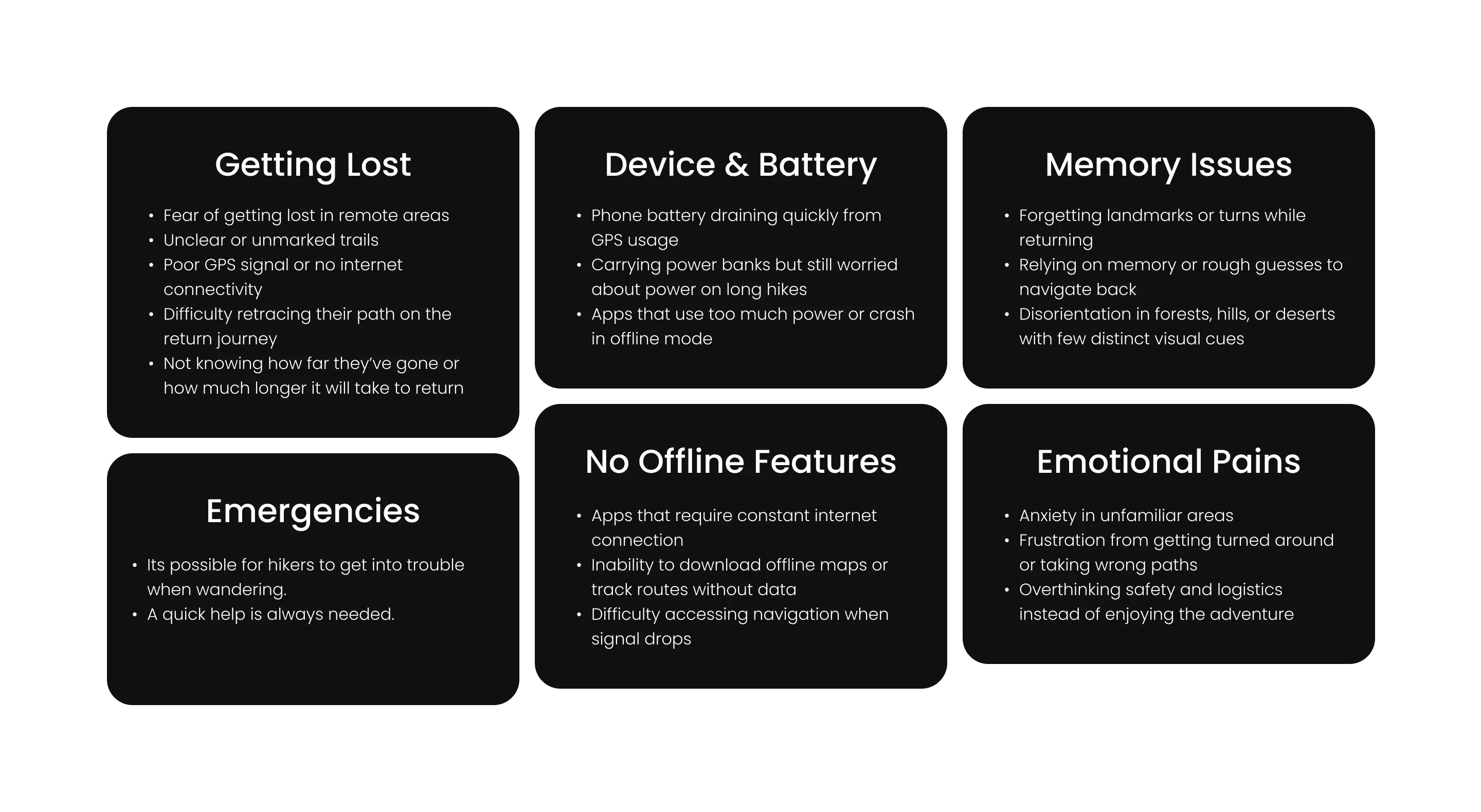
Users struggle with unreliable connectivity, complex interfaces during stressful situations, battery drain from constant GPS usage, and lack of real-time trail condition updates.
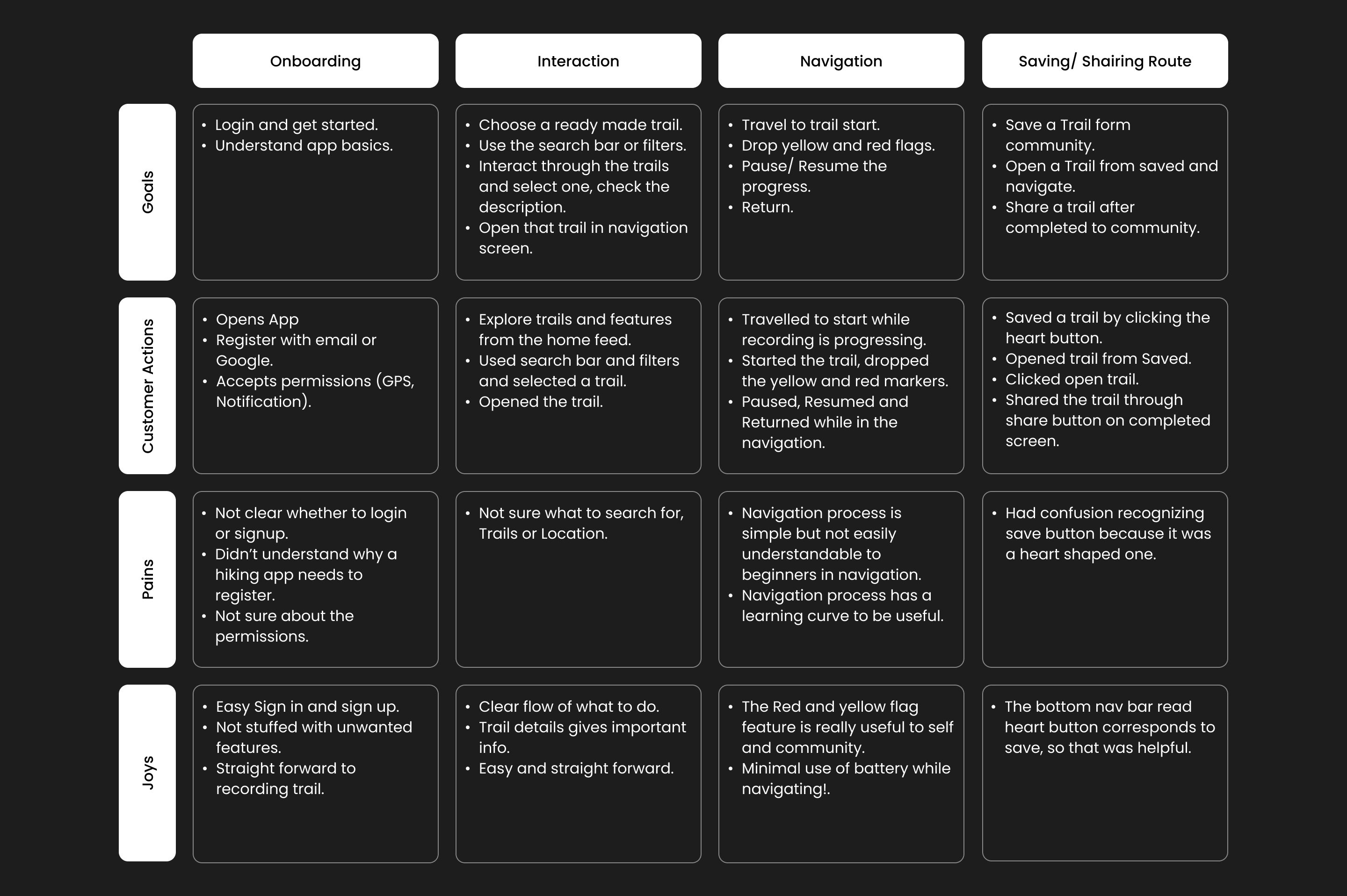
Mapped the complete hiking experience from trip planning through post-hike reflection, identifying critical touchpoints where the app could provide maximum value and safety.
Research showed that online map failures in remote areas caused anxiety, so users preferred offline maps and a simpler interface.
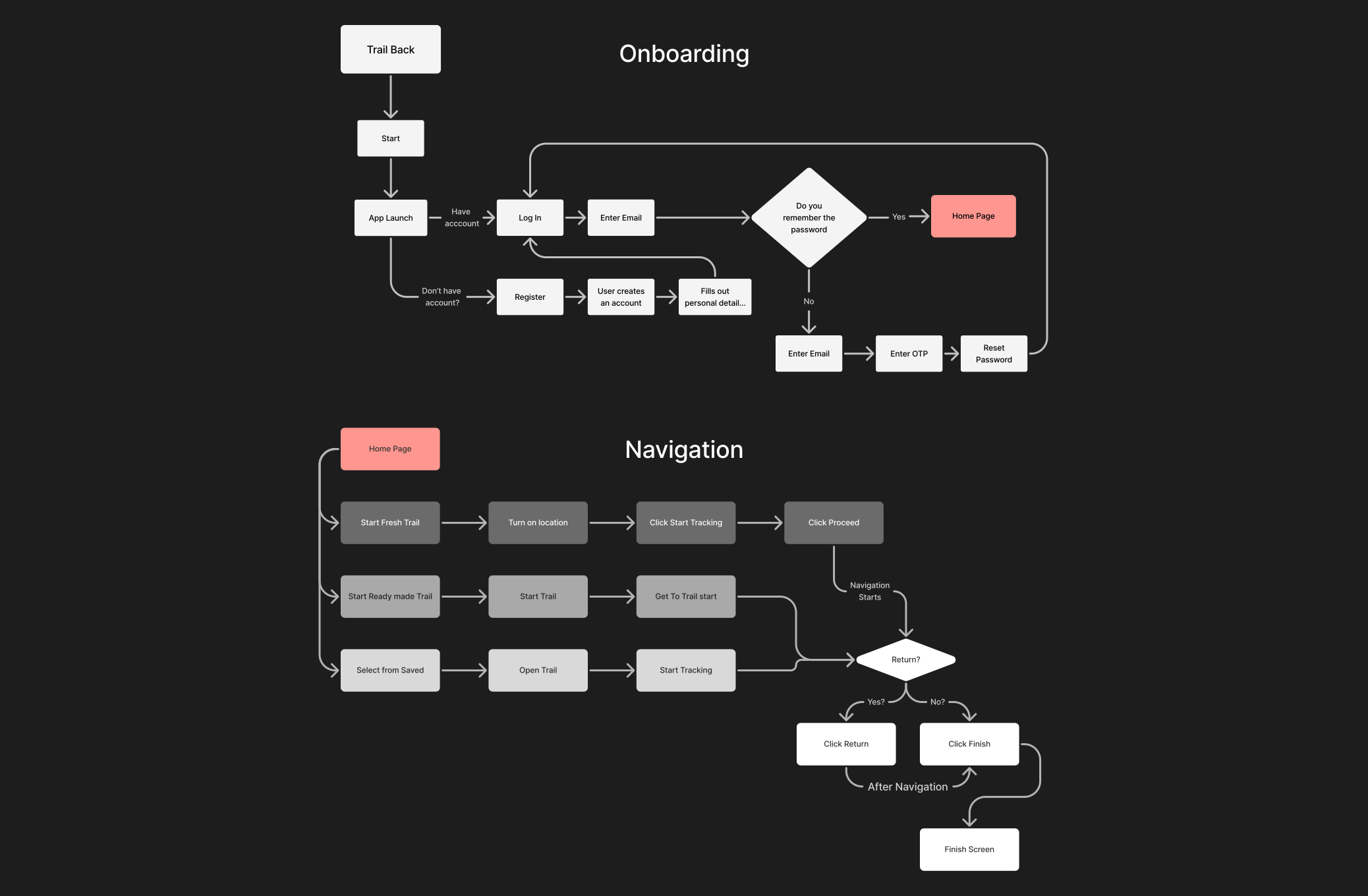
Flow covers starting a journey, recording, dropping safety pins, and retracing a route offline. View full diagram.
Structured the app around three main sections: Explore (trail discovery), Navigate (active hiking), and Safety (emergency features). Each section designed for quick access and minimal cognitive load.
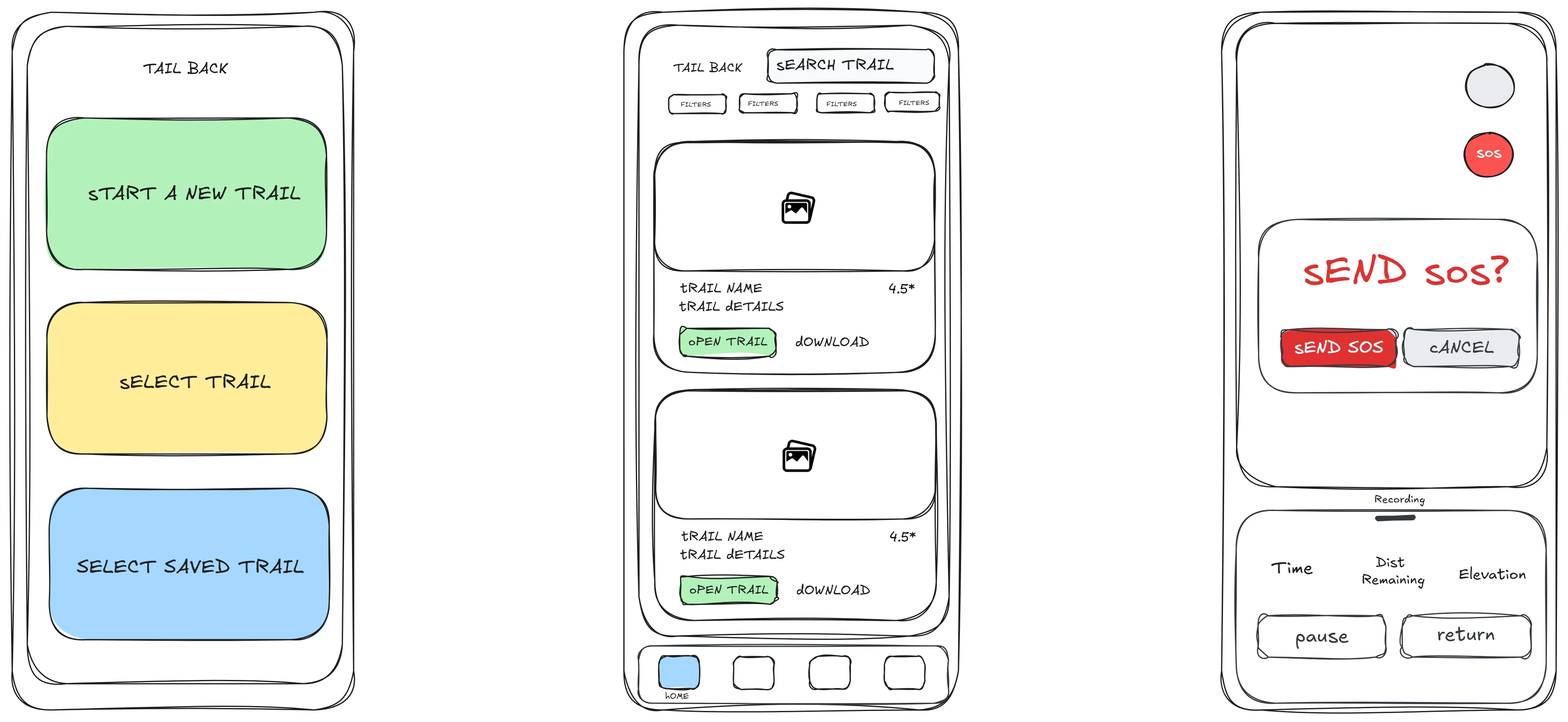
Created rapid sketches and digital wireframes to test layout concepts and navigation patterns. Iterated based on early feedback from hiking groups and outdoor clubs.
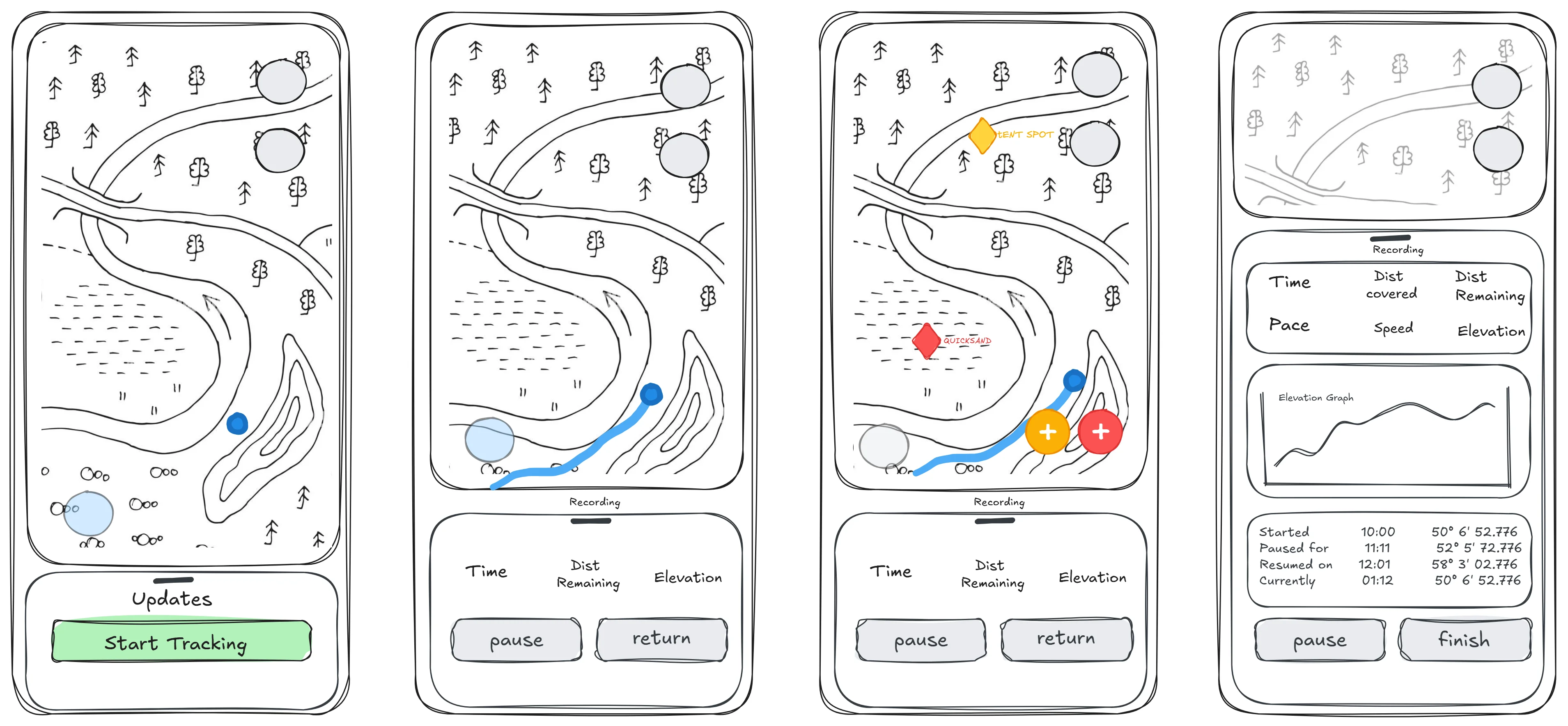
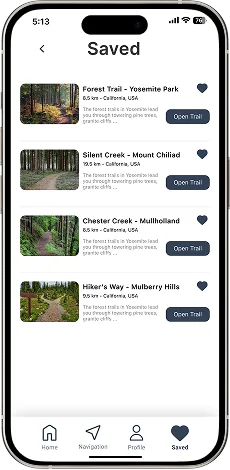
Developed polished mockups with a nature-inspired color palette, clear typography for outdoor readability, and large touch targets for gloved hands. Emphasized visual hierarchy for safety features.

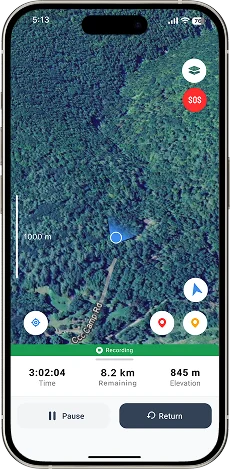

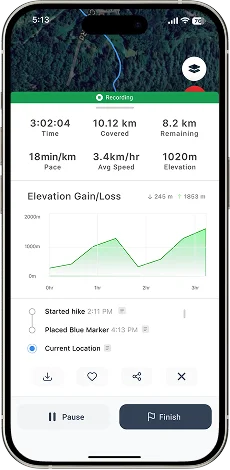
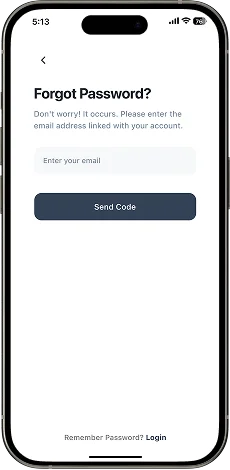
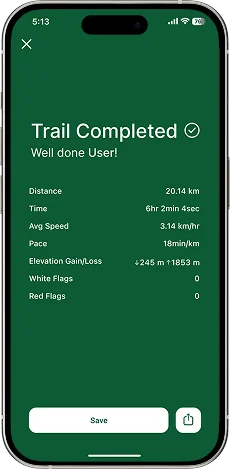
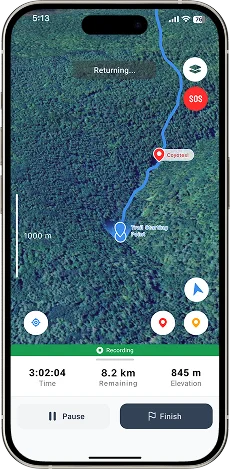
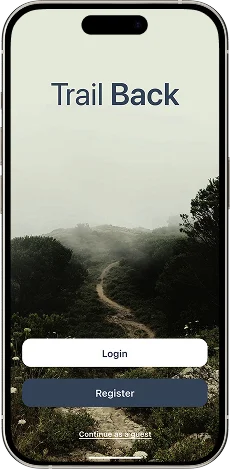
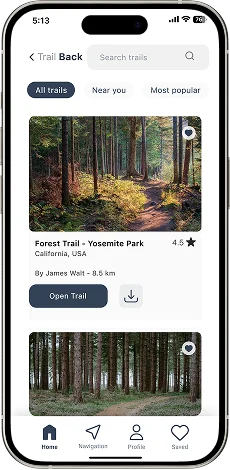
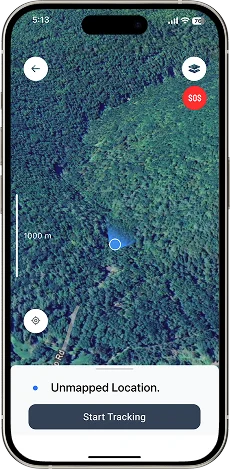
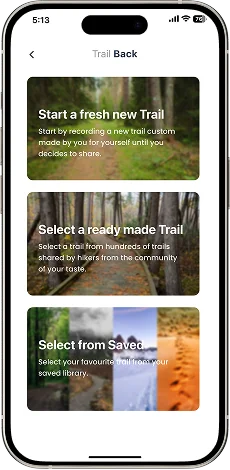
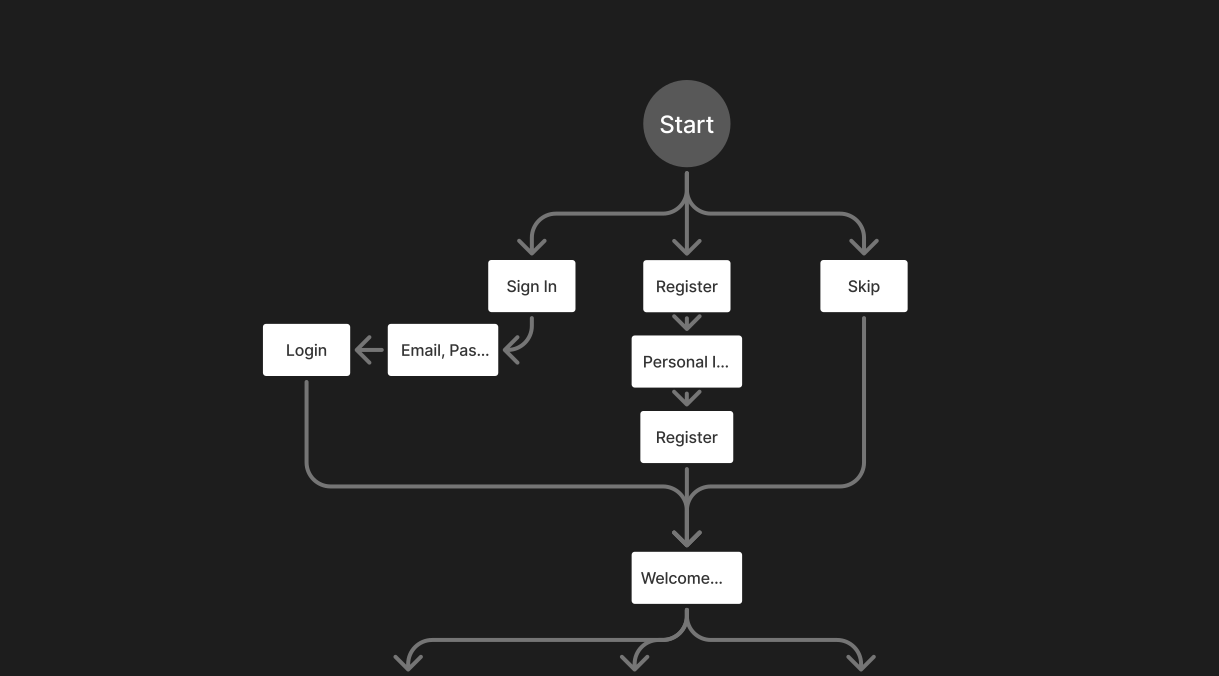
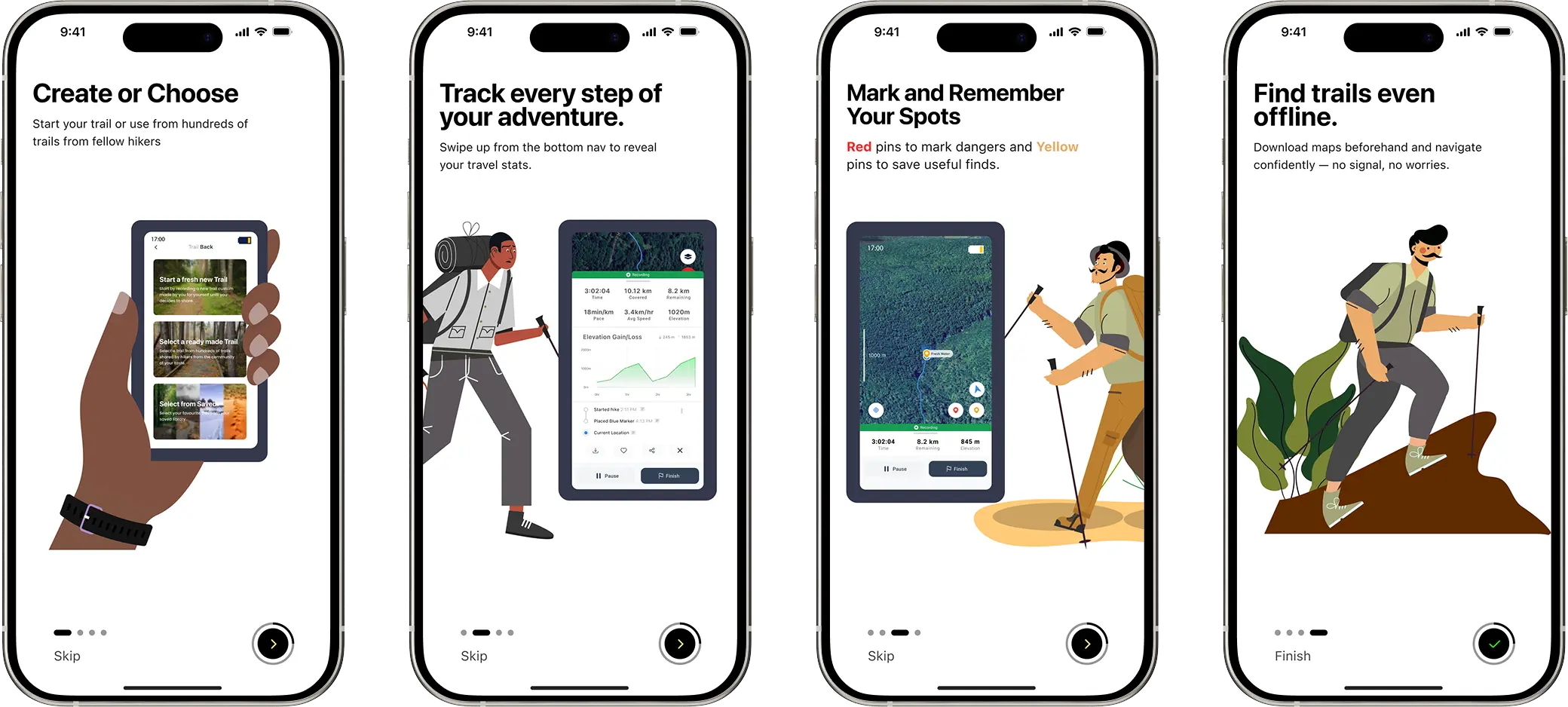
Designed a concise 4-screen onboarding flow highlighting offline capabilities and features. Tested with 8 users and were able to complete their first trail in under 3 minutes.
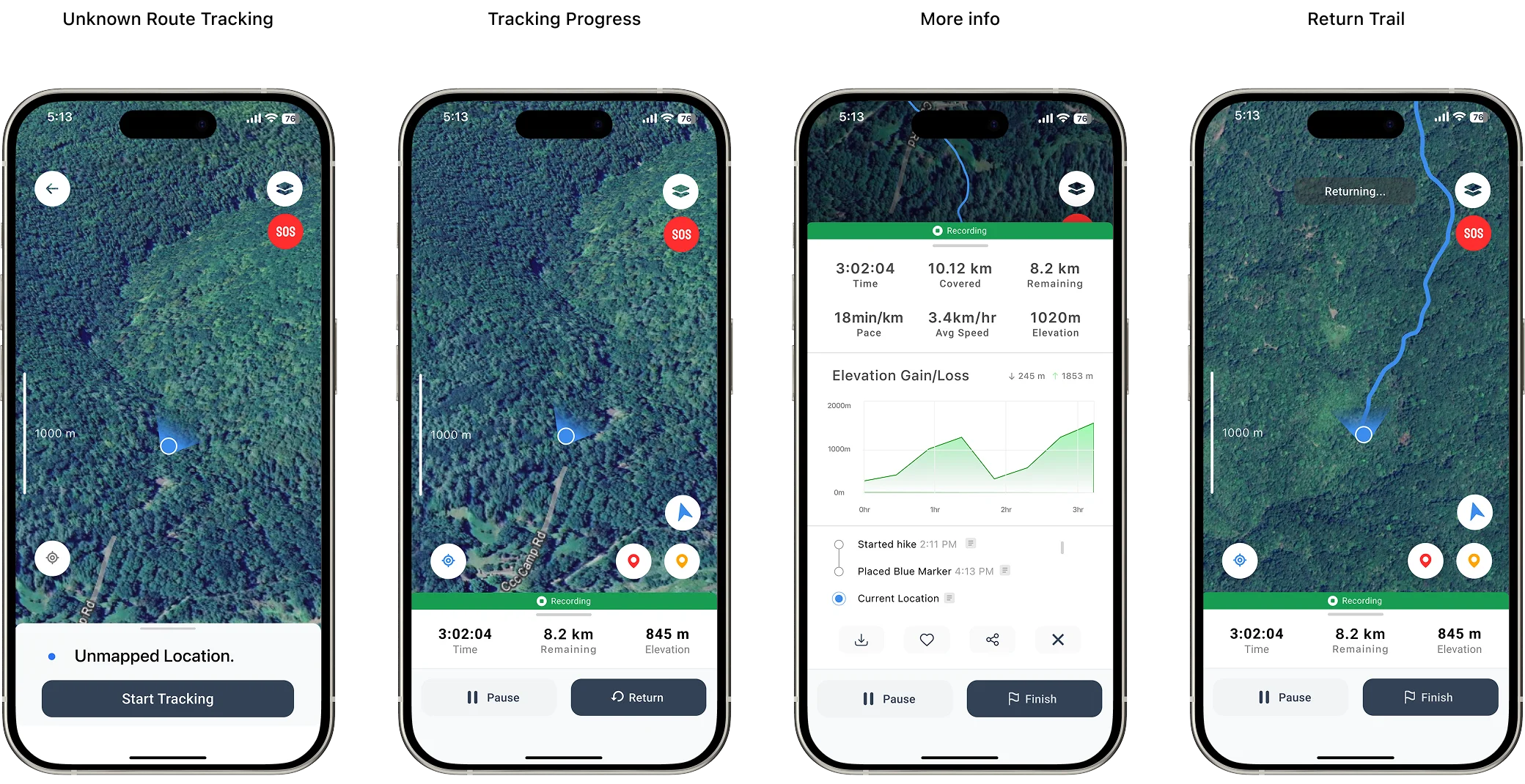
Implemented bottom navigation for primary features with a prominent swipe up to reveal additional info. Usability testing showed 40% faster task completion compared to initial designs.
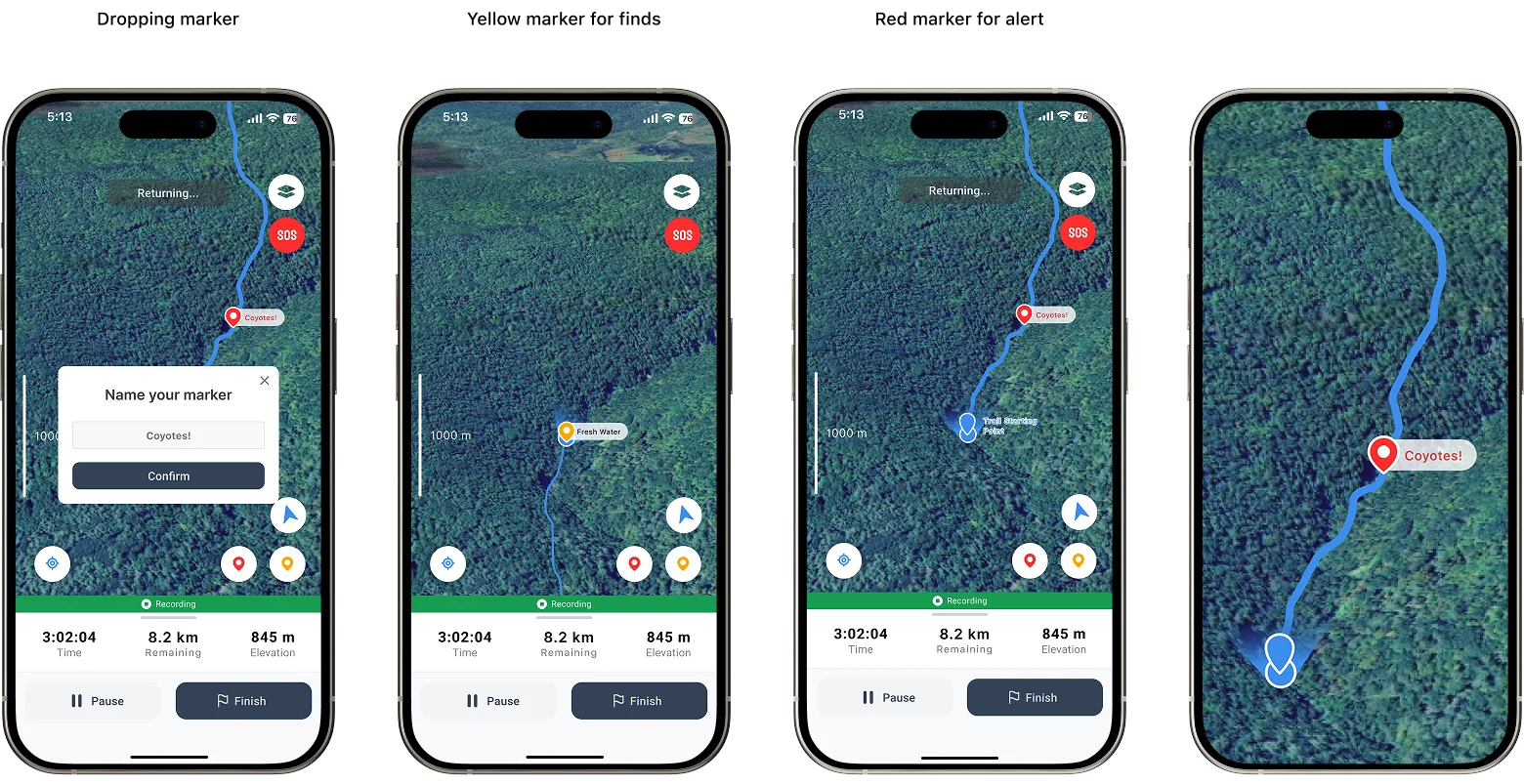
Users can drop custom markers for points of interest, hazards, or waypoints. Markers sync across devices and can be shared with hiking groups. Designed with one-tap placement for quick use.
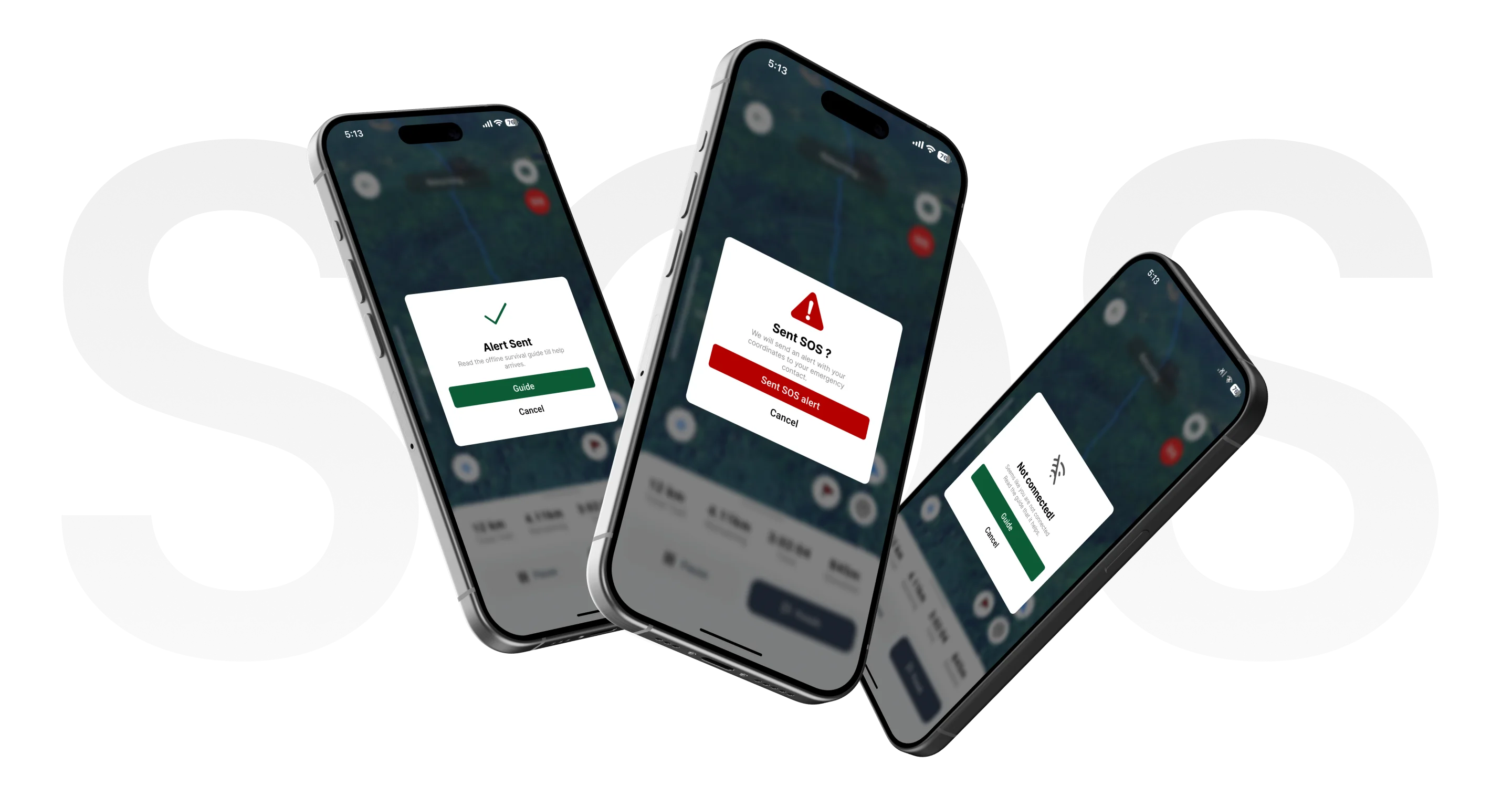
Emergency SOS button sends location coordinates via SMS to emergency contacts and local rescue services. Features a 1-second hold to prevent accidental activation while remaining quickly accessible.
Please wait a bit, Better experience is loading.
This project reinforced the importance of designing for extreme use cases and environmental constraints. Key learnings included the value of offline-first architecture, the need for simplified interfaces during stress, and the critical balance between feature richness and battery efficiency. Future iterations will focus on community-driven trail updates and integration with wearable devices.